
Two-Factor Authentication Is Not as Complicated as It Sounds
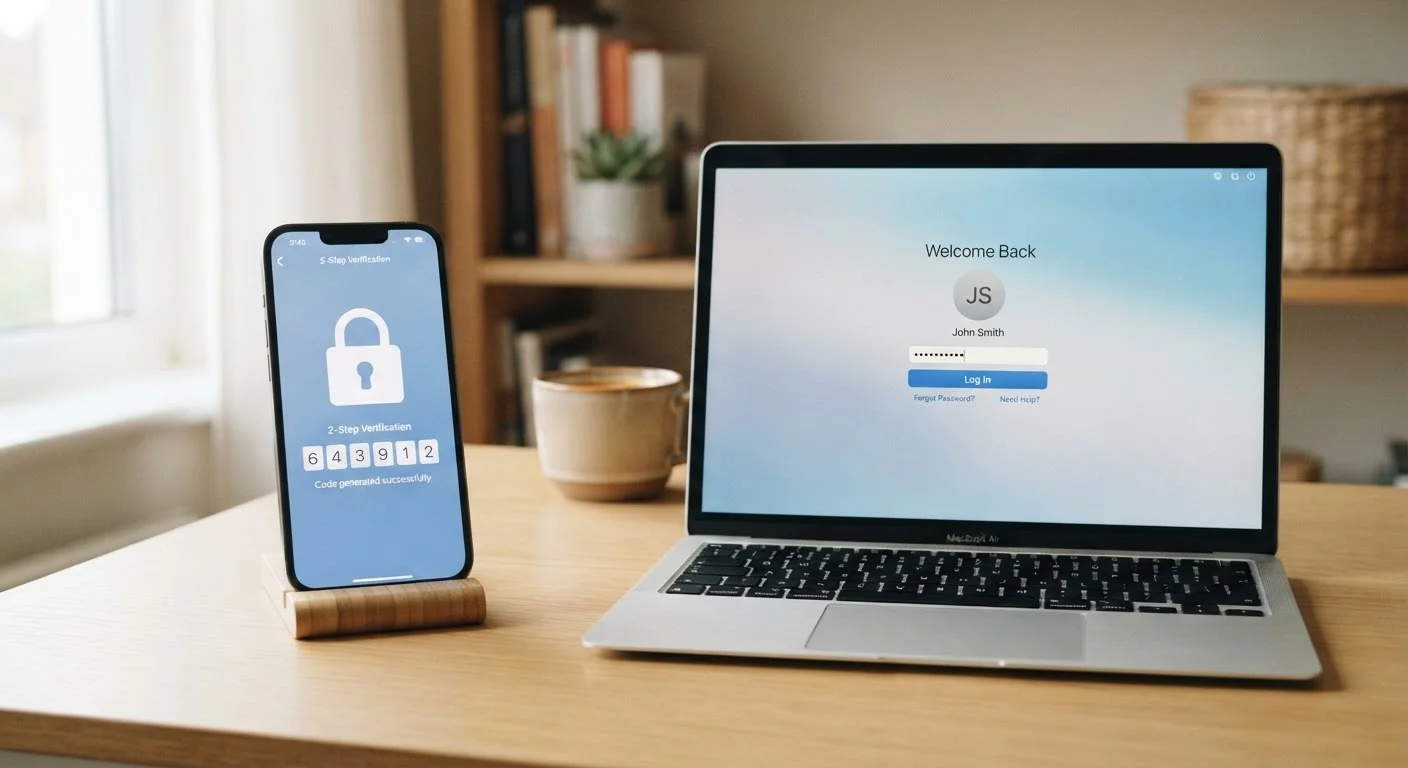
Photo credit: ResultsPoint.net | Find The Required Information
In this article
A no-jargon explainer on two-factor authentication — what it is, the different forms it takes, and why it matters for everyday account security.
Key Takeaways
- 2FA requires two separate proofs of identity, making stolen passwords far less useful to attackers.
- Text message codes, authenticator apps, and hardware keys are the three most common 2FA methods.
- Authenticator apps are generally more secure than SMS codes, but any 2FA is better than none.
- Most major apps and websites let you turn on 2FA in their security or account settings.
- Once set up, the extra login step takes only a few seconds and becomes second nature quickly.
The Basic Idea: Two Locks Are Better Than One
When you log into most accounts today, you type a username and password. That's one lock on the door. Two-factor authentication adds a second, independent lock — and the key for that second lock lives somewhere entirely different from your password.
Here's why that matters: data breaches happen regularly, and when they do, millions of username-and-password combinations end up in the hands of criminals. If your password is the only thing standing between an attacker and your bank account or email, a breach elsewhere could be enough to let them in. A second factor means knowing your password alone gets them nowhere.
The two factors are usually drawn from different categories: something you know (your password), something you have (your phone or a physical key), or something you are (a fingerprint or face scan). Requiring two different categories makes it much harder for an attacker to fake both at once. For a deeper look at why a single password isn't enough on its own, see why one password is no longer enough.
The Three Most Common Forms of 2FA
Not all 2FA works the same way. Here are the main types you're likely to encounter:
- SMS codes: After entering your password, the service texts a short numeric code to your phone. You type it in to complete the login. This is the most widely used form and is easy to set up, though it has some security limitations (more on that below).
- Authenticator apps: Apps like those built into password managers or dedicated authenticator apps generate a fresh six-digit code every 30 seconds, entirely on your device. No internet connection needed, and the codes can't be intercepted by someone hijacking your phone number.
- Hardware security keys: A small physical device — roughly the size of a USB drive — that you plug in or tap against your phone to confirm your identity. These offer the strongest protection and are popular among people with high-security needs, though they're less common for everyday use.
Start With Your Email Account
If you only turn on 2FA for one account, make it your email. Most services let you reset your password by sending a link to your email address — which means whoever controls your inbox can effectively control everything tied to it. Securing that account first gives you the most protection for the effort.
Fingerprint and face recognition on your phone can also serve as an authentication factor, and many banking apps use them for exactly that purpose. They fall into the "something you are" category.
How to Turn It On
Setting up 2FA is almost always done through the security or privacy settings of the account you want to protect. Look for labels like "Two-Factor Authentication," "Two-Step Verification," or "Login Verification." Most services walk you through the process step by step once you find that setting.
When you enable 2FA, you'll usually be asked to choose your preferred method (text message or authenticator app) and verify it works before it's fully activated. You'll also typically be shown a set of backup codes — a list of one-time-use codes you can use if you ever lose access to your phone. Store these somewhere safe.
99.9%
Of automated account attacks blocked by MFA
Microsoft has reported that multi-factor authentication — the broader category that includes 2FA — blocks the vast majority of automated credential-based attacks on accounts.
80%+
Of breaches involve stolen or weak credentials
According to Verizon's Data Breach Investigations Report, credential theft is consistently one of the leading causes of account compromises, underscoring why a second factor matters.
Pairing 2FA with a password manager is one of the most practical things you can do for your account security. A password manager handles unique, complex passwords for every site, and 2FA ensures that even a leaked password can't be used against you. For more on building that foundation, see what the rules around strong passwords actually mean.
Common Concerns — Addressed Plainly
A lot of people put off enabling 2FA because it sounds like extra hassle. In practice, the additional step takes about five seconds once you're used to it, and you often only need it when logging in on a new device.
What About Backup Codes?
When you first enable 2FA on most services, you'll be given a set of single-use backup codes. These are your safety net if you lose access to your phone or second factor. Write them down or store them in a secure location — not in your email inbox, which could itself be compromised. Treat them like a spare house key: you hope not to need them, but you'll be glad you kept them.
Some people worry about being locked out if they lose their phone. This is a reasonable concern, and it's why saving your backup codes matters. Many services also let you register more than one second factor — for example, both a phone number and an authenticator app — so you have a fallback already in place.
If you're curious about more of the terminology that comes up around account security and online safety, a plain-English guide to common cybersecurity terms can help fill in the gaps without requiring a technical background.
The bottom line: 2FA isn't foolproof, but it raises the effort required to break into an account dramatically. For most everyday accounts, it's one of the highest-value, lowest-effort security steps available.
Frequently Asked Questions

Author
Tech Editorial Team
Tech Editorial Team is the collective byline for our editorial team and contributor network. Articles published under this byline or an editorial pen name are researched, written, and reviewed according to our editorial standards for clarity, consistency, and independence before publication.
View all articles →