
Password Managers vs. Browser-Saved Passwords
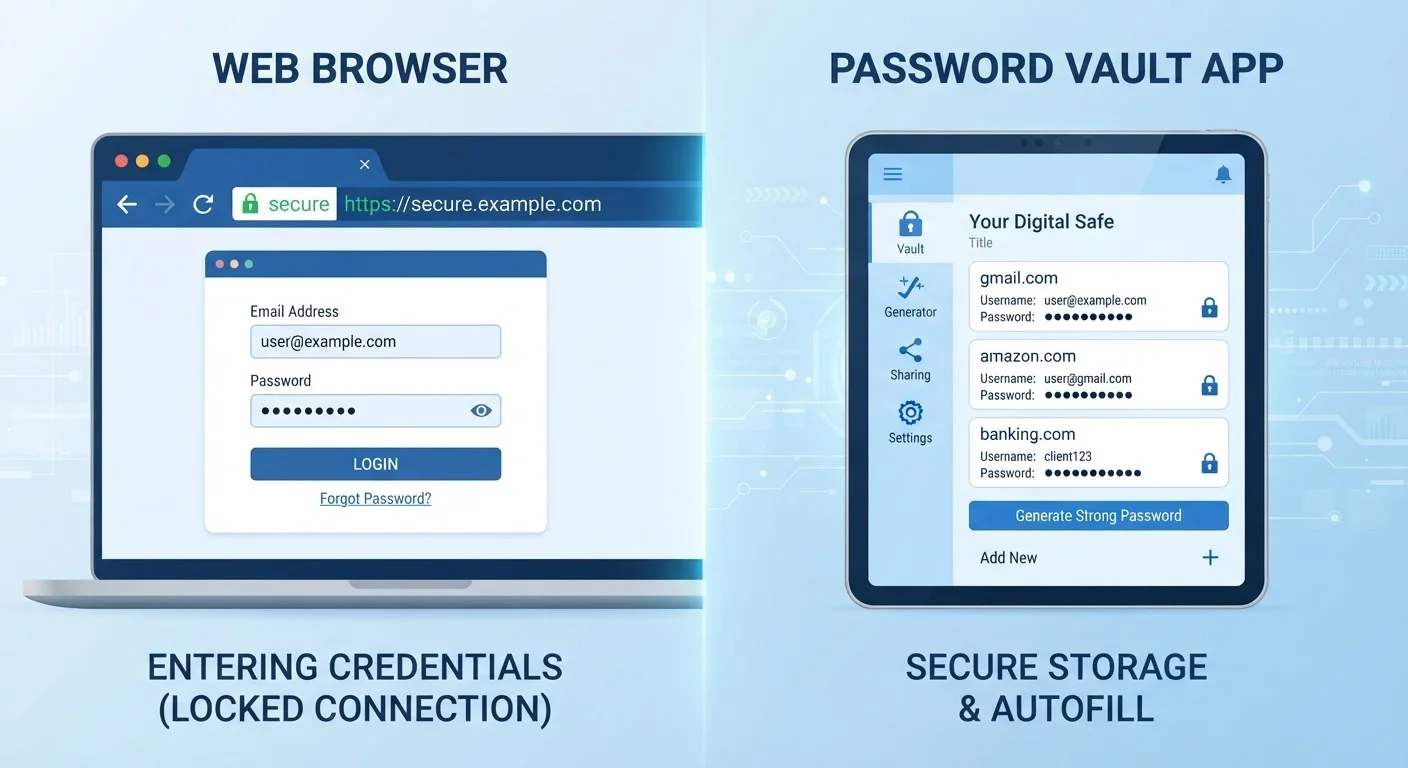
Photo credit: ResultsPoint.net | Find The Required Information
In this article
Letting your browser save passwords feels convenient, but is it as secure as a dedicated password manager? Here's how the two approaches compare.
Key Takeaways
- Browser-saved passwords are convenient but offer weaker security protections than dedicated password managers.
- Dedicated password managers encrypt your credentials independently of your browser and operating system.
- Both options beat reusing the same password everywhere, but they are not equally secure.
- Password managers typically work across all browsers and devices, while browser storage is often siloed.
- Adding two-factor authentication strengthens either approach significantly.
How Each Approach Works
When you log into a website and your browser asks "Save this password?" — that's browser-based password storage. Chrome, Safari, Firefox, and Edge all offer it. Your credentials are stored locally or synced to the browser's own cloud account (like a Google or Apple account). It's fast, free, and needs no setup.
A dedicated password manager is a separate application — either installed on your device or running in the cloud — that stores all your login credentials in an encrypted vault. You unlock that vault with one strong master password. The app then autofills logins on any browser or device where you've installed it. For a deeper look at how that process actually works, see how password managers store your credentials securely.
| Criterion | Browser-Saved Passwords | Dedicated Password Managers |
|---|---|---|
| Setup effort | None — built into browser | Requires installing an app |
| Cross-browser support | Limited to one browser ecosystem | Works across all browsers and devices |
| Encryption strength | Tied to browser/OS account | Zero-knowledge, independent encryption |
| Password generation | Available but basic | Strong random passwords by default |
| Weak/reused password alerts | Limited | Built-in auditing tools |
| Breach monitoring | Rarely included | Commonly included |
| Cost | Free | Free tiers available; paid plans exist |
Where Browser Storage Falls Short
Browser-saved passwords have a real vulnerability: they're only as secure as your device and your browser account. If someone gains access to your unlocked computer, most browsers will display saved passwords with minimal friction. On Chrome, for example, a user can view stored passwords after just entering the device's local login — not a separate, dedicated password.
Browser storage is also browser-specific. Passwords saved in Chrome don't automatically appear in Safari or Firefox, which creates headaches for people who switch browsers or use different ones on different devices.
There's also the question of password quality. Browsers do generate strong passwords when you create new accounts, but they don't audit your existing ones or flag reused credentials as actively as most dedicated managers do. Reusing passwords is one of the biggest risks online — something covered in detail in the habits that quietly undermine your online security.
A Note on Browser Security Improvements
Major browsers have improved their password security features over time, adding breach detection and stronger encryption in sync. However, these protections are still generally tied to the security of your browser account login — meaning your Google or Apple account password becomes a single point of failure. A dedicated manager adds a separate, independent layer of protection that doesn't depend on those accounts.
What Dedicated Password Managers Do Differently
The key difference is encryption architecture. Dedicated password managers use a "zero-knowledge" model, meaning your master password never leaves your device — the manager itself can't read your vault, even if its servers were breached. Browser-saved passwords, by contrast, are often tied to your Google or Apple account credentials, which are higher-value targets for attackers.
Password managers also work across every browser and device, generate genuinely random passwords for every account, flag weak or reused credentials, and often include breach-monitoring features that alert you if a site where you have an account reports a data leak.
80%
Of breaches involving stolen credentials
Verizon's Data Breach Investigations Report consistently finds that compromised passwords are a leading cause of data breaches.
1 in 3
Americans reuse the same password across sites
Security surveys regularly find that password reuse remains one of the most common and dangerous habits among online users.
None of this means browser saving is useless. It's meaningfully better than reusing one password everywhere — a practice explained in detail in what strong password rules actually mean in practice. But the gap in protection between the two approaches is real.
The Bottom Line: Which Should You Use?
If you're currently relying entirely on browser-saved passwords, you're not in terrible shape — but you're leaving a meaningful security gap open. A dedicated password manager closes that gap by separating your credentials from your browser's attack surface and giving you better tools to manage password health across all your accounts.
Whichever method you use, layering on two-factor authentication is one of the highest-impact steps you can take. It means a stolen password alone isn't enough for someone to break into your accounts. And once a year, consider running through a full digital security checkup to catch any gaps before someone else does.

Author
Tech Editorial Team
Tech Editorial Team is the collective byline for our editorial team and contributor network. Articles published under this byline or an editorial pen name are researched, written, and reviewed according to our editorial standards for clarity, consistency, and independence before publication.
View all articles →