
Your Phone's Privacy Settings, Room by Room
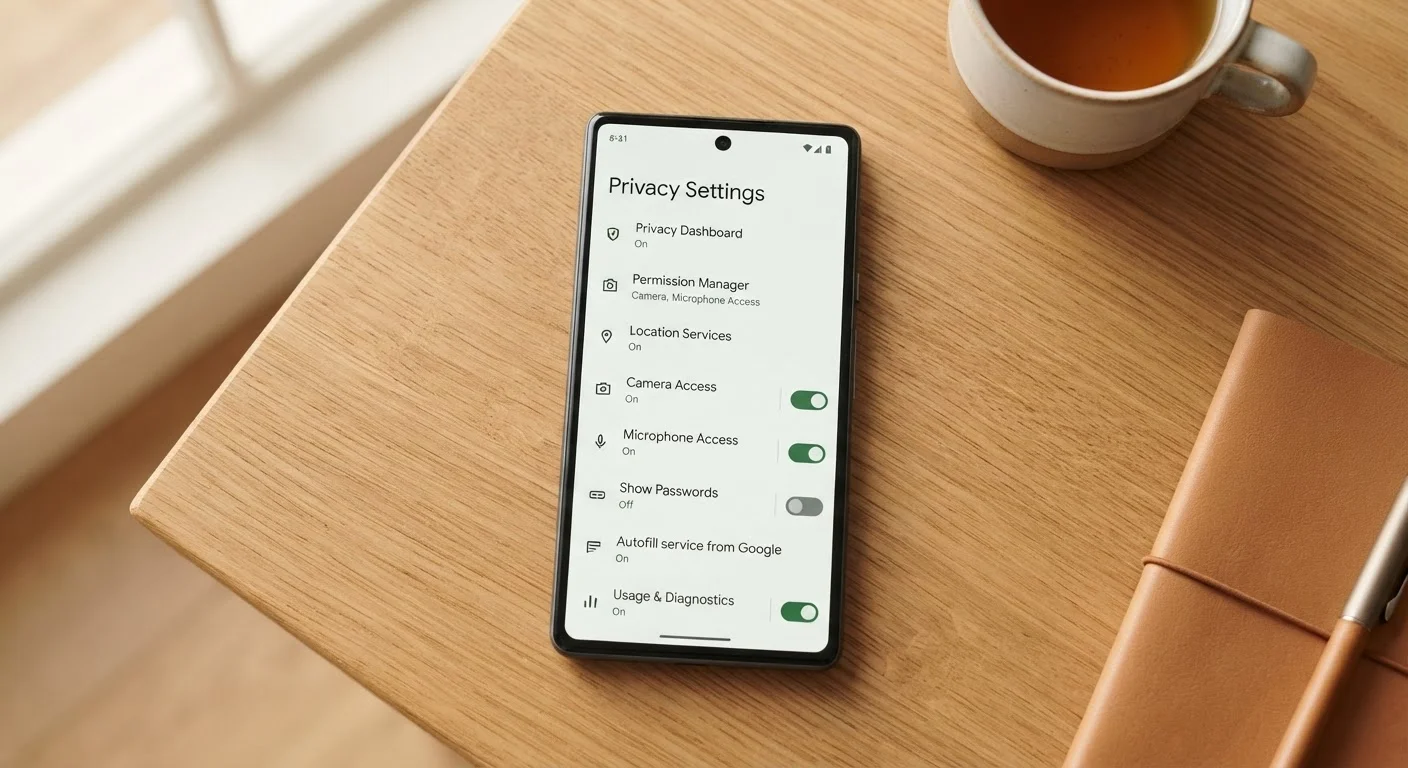
Photo credit: ResultsPoint.net | Find The Required Information
In this article
A walkthrough of the privacy controls hiding in your smartphone — what each setting does and which ones are worth turning on or off.
Key Takeaways
- Most phones ship with privacy settings that favor data sharing — you have to opt out manually.
- Location, microphone, and camera permissions are among the highest-risk access points to review.
- Limiting ad tracking and diagnostic sharing costs you nothing in day-to-day usability.
- Both iPhone (iOS) and Android offer granular privacy controls, though menus differ by device.
- A quick settings audit once or twice a year goes a long way toward protecting your personal data.
Why Your Phone's Default Settings Aren't Set Up for You
When you pull a new smartphone out of the box, it's pre-configured to share quite a bit — your location, your usage habits, diagnostics, even personalized advertising identifiers. That's not necessarily sinister, but it does mean the default setup tends to favor the manufacturer and app developers more than it favors you.
The good news: your phone is full of privacy controls that are yours to adjust. You don't need a tech background to use them. This checklist walks through the key settings, organized by category, so you can work through them at your own pace. Steps apply broadly to both iPhone (iOS) and Android, though exact menu names may vary by device and software version.
For a deeper look at how the two platforms compare on privacy, see how iPhone and Android differ for everyday users. And if you want to understand what app permissions actually grant before you start revoking them, this plain-language guide to app permissions is a helpful starting point.
Location Access
Camera and Microphone
Contacts, Calendars, and Files
Advertising and Tracking
Diagnostics and Usage Data
Lock Screen and Biometrics
Bluetooth and Network
Tools You'll Need Before You Start
No downloads required — everything below lives inside settings your phone already has. Grab a few minutes of uninterrupted time and keep your phone nearby.
Your phone's Settings app
The central hub for all privacy and permission controls on both iOS and Android.
Your phone's OS version info
Knowing your current iOS or Android version helps you find the right menu names, since settings screens vary across versions.
A notepad or notes app
Useful for jotting down any settings you change so you can reference them later or undo if something breaks.
Revoking Permissions May Break Some Features
Some apps will partially stop working if you remove a permission they rely on — a navigation app with no location access can't give directions, for example. Make changes one app at a time and test before moving on. If something stops working unexpectedly, you can always restore access through the same settings menu.
After the Audit: Keep It Going
Privacy settings aren't a one-time fix. Apps update, permissions reset after OS upgrades, and new apps you install will ask for access all over again. Build a habit of checking permissions whenever you install something new, and do a fuller audit every few months.
If you share your phone with a child, the stakes are higher — our parent's guide to protecting children online covers additional steps worth taking. And if you travel frequently, take a look at protecting your data when you travel, since public Wi-Fi and shared devices introduce different risks.
Finally, keep in mind that deleting an app doesn't always wipe its data. What stays behind after you uninstall explains what typically lingers and what you can do about it. For broader guidance on staying safe online, visit the Online Safety hub.
These Settings Don't Replace Strong Passwords
Privacy settings control what data your phone shares, but they don't protect you if someone gains access to your accounts with a weak or reused password. Use a unique, strong password for your phone's primary account (Apple ID or Google account) and enable two-factor authentication. These two steps do more to protect your data than almost anything else on this list.

Author
Tech Editorial Team
Tech Editorial Team is the collective byline for our editorial team and contributor network. Articles published under this byline or an editorial pen name are researched, written, and reviewed according to our editorial standards for clarity, consistency, and independence before publication.
View all articles →