
iPhone vs. Android: What the Differences Mean for an Everyday User
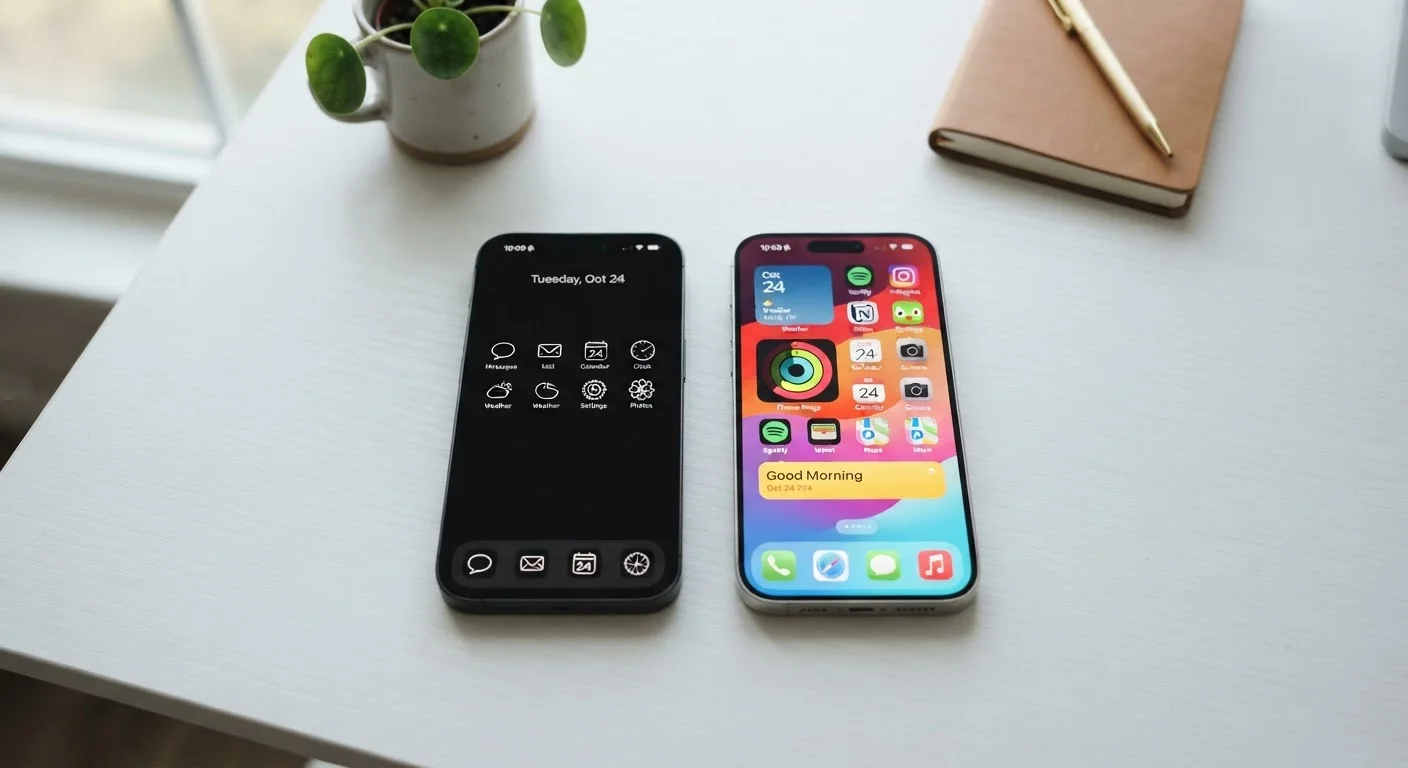
Photo credit: ResultsPoint.net | Find The Required Information
In this article
A practical look at how iOS and Android differ in real-world use — from app availability to privacy controls — without brand loyalty or jargon.
Key Takeaways
- iOS offers a more uniform experience; Android gives you more room to customize.
- Both platforms have strong privacy controls, but they surface them differently.
- App availability is nearly identical today — a few exceptions exist for specialized tools.
- Switching between platforms means leaving some data and purchases behind.
- Neither platform is objectively better — it depends on what you value most.
The Core Difference: Open vs. Closed
At its heart, the iPhone runs iOS — a system Apple designs, controls, and updates entirely on its own. Android, developed by Google, is an open-source platform that device makers like Samsung, Motorola, and others customize and ship on their hardware. That single distinction shapes almost every practical difference between the two.
Because Apple controls both the hardware and software, iOS tends to feel consistent. The same settings menu looks the same on every iPhone. Updates roll out to all supported devices at once. Android's more open model means your experience varies depending on who made your phone — a stock Android phone from Google feels different from a Samsung running its own software layer on top.
Neither approach is wrong. It really comes down to whether you prefer a curated, predictable experience or a more flexible one you can shape yourself.
Apps, Updates, and Everyday Usability
For most common apps — social media, banking, navigation, streaming — you'll find them on both platforms. The days when one store had a clear lead in app selection are largely over. A few exceptions exist: some specialized productivity or creative apps launch on one platform before the other, and certain regional or niche apps may only appear on one store.
Updates work differently, too. Apple pushes iOS updates to all compatible iPhones simultaneously, and support typically lasts five or more years. Android updates depend on your phone's manufacturer and carrier, so a budget Android phone might receive only one or two major OS updates before support ends. If staying current with security patches matters to you, this is worth factoring in when choosing a device.
| Criterion | iPhone (iOS) | Android |
|---|---|---|
| Software control | Apple only | Google + manufacturers |
| Customization | Limited, consistent | High, varies by device |
| OS update timeline | 5+ years, simultaneous | Varies by manufacturer |
| App store | App Store (Apple-reviewed) | Google Play + sideloading |
| Hardware options | Apple devices only | Many brands and prices |
| Cross-device ecosystem | Strong with Apple products | Strong with Google services |
| App tracking controls | App Tracking Transparency | Privacy Dashboard + prompts |
For more on how your phone handles data in the background — including when it switches networks — see our guide on Wi-Fi vs. mobile data.
Privacy Controls: Similar Goals, Different Approaches
Both iOS and Android have made meaningful privacy improvements in recent years, but they surface controls differently. iOS introduced App Tracking Transparency, which requires apps to ask permission before tracking your activity across other apps and websites. Android has added similar permission prompts and a Privacy Dashboard that shows which apps accessed your location, camera, or microphone recently.
Privacy Settings Require Action
Having privacy controls available doesn't mean they're automatically turned on. Both iOS and Android ship with some permissions enabled by default that you may want to review. Taking 10 minutes to walk through your phone's privacy settings is one of the most practical steps you can take regardless of which platform you use.
The practical upshot: both platforms give you real tools to limit data collection, but you have to actually use them. Our article on your phone's privacy settings walks through the specific controls worth turning on for either platform. And if you want to understand what apps are actually allowed to do once installed, our guide to app permissions explains each permission type in plain language.
Switching Platforms: What Stays, What Goes
Moving from Android to iPhone — or the other direction — is more involved than it sounds. Contacts and photos can generally be transferred, but some things don't cross over cleanly. Paid Android apps don't carry to iOS and vice versa. iMessages won't automatically migrate to a new Android number. Music, books, or movies purchased through Apple's or Google's stores typically stay locked to that ecosystem.
~57%
U.S. smartphone market share using Android
According to Statcounter data covering recent years, Android holds a majority of U.S. smartphone usage, with iOS accounting for most of the remainder.
5+ years
Typical iOS software support window
Apple generally supports iPhones with major OS updates for at least five years from release, which is longer than most Android manufacturers commit to.
If you're planning a switch, our step-by-step guide on setting up a new smartphone without losing anything covers exactly what transfers and what you'll need to handle manually. It's also worth reviewing what stays behind when you delete an app, since some data lingers in cloud accounts even after you've moved on.

Author
Tech Editorial Team
Tech Editorial Team is the collective byline for our editorial team and contributor network. Articles published under this byline or an editorial pen name are researched, written, and reviewed according to our editorial standards for clarity, consistency, and independence before publication.
View all articles →